• Health Check Mentor Instructions

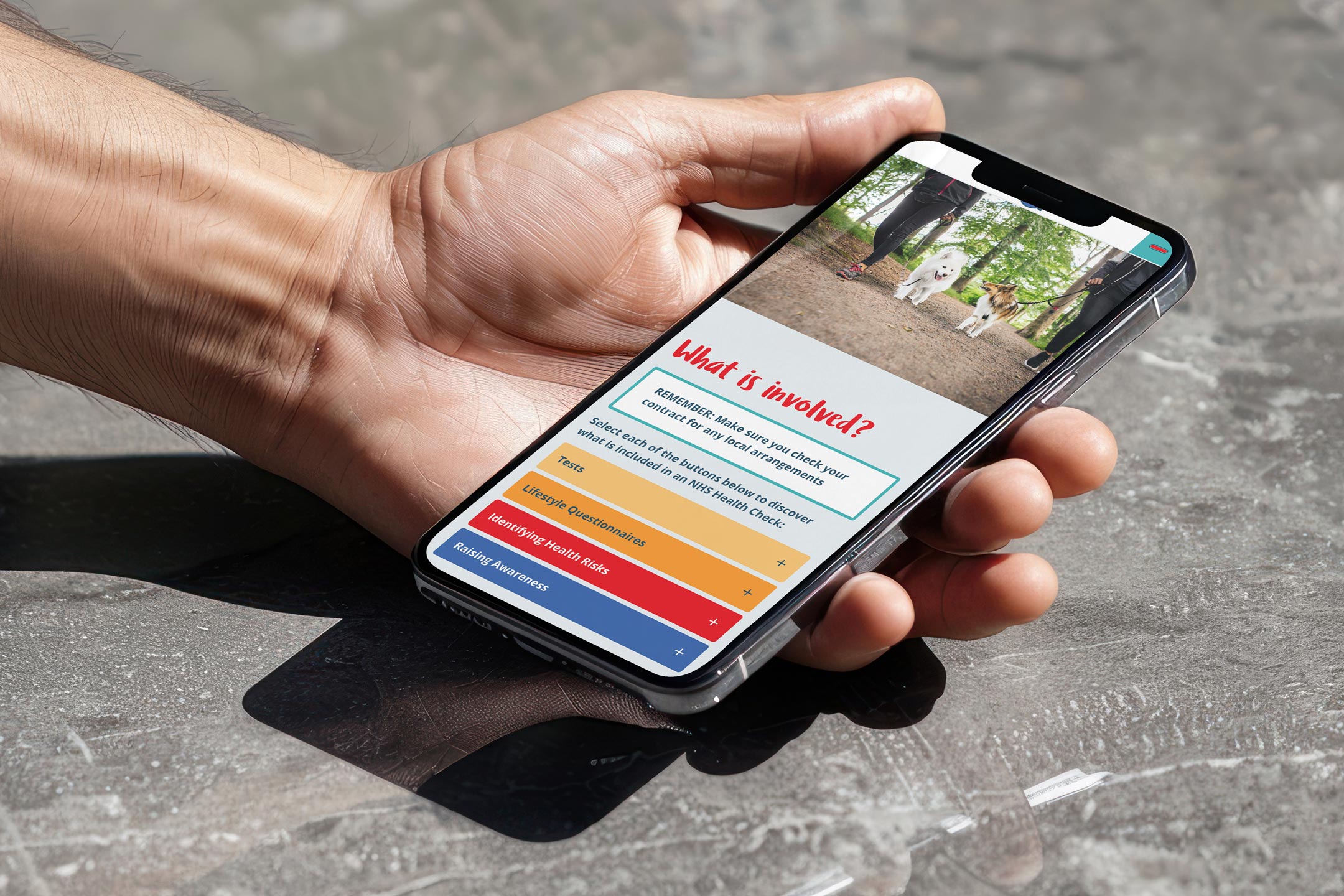
    • Health Check Mentor on mobile

      1. Create an account

      Register to the site by creating a new account.

      Activate your account via the automatic email (check your spam folder).

      Create account

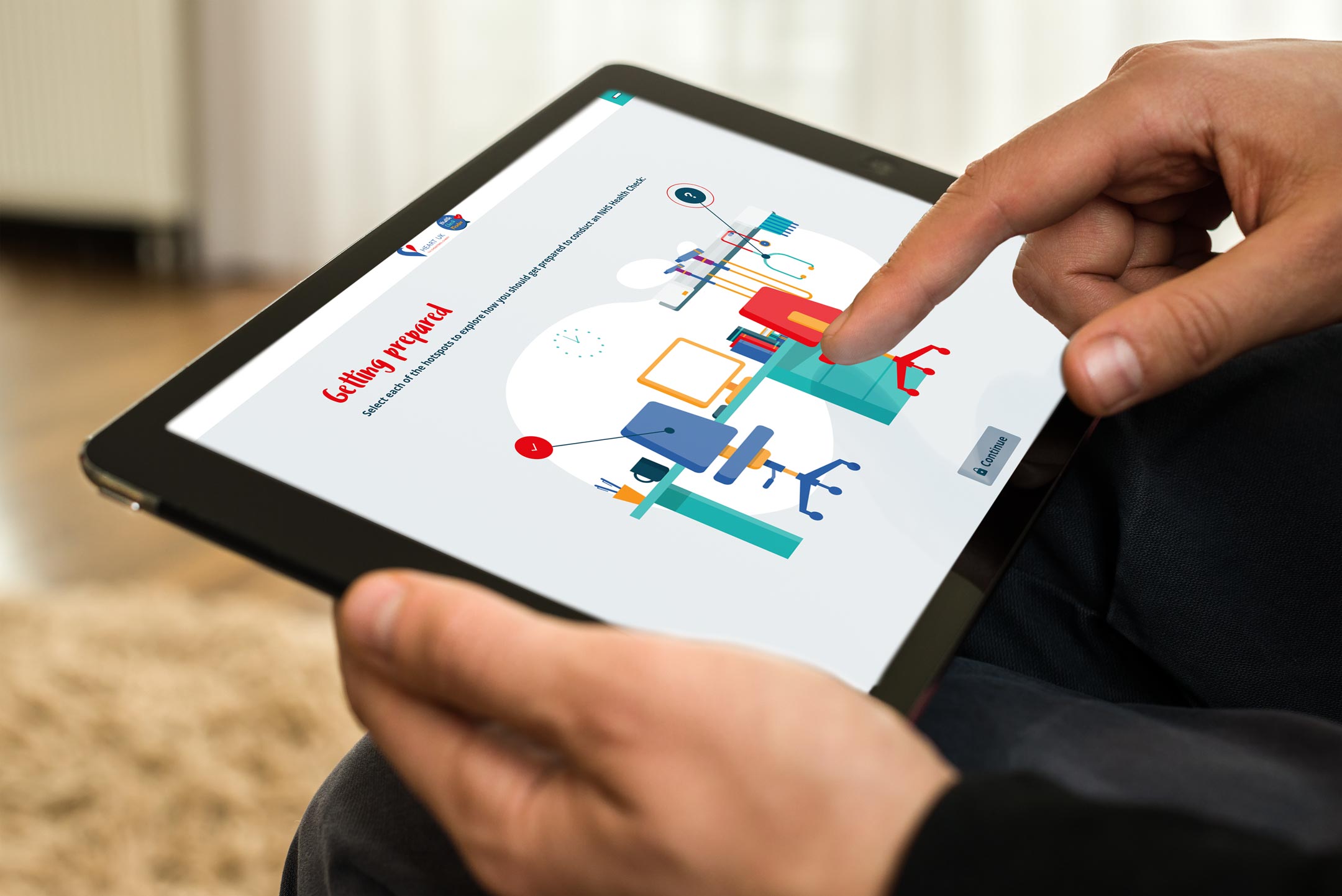
      Health Check Mentor on tablet

      2. Log in

      Login to the site using the details set up at registration.

      Login

      Health Check Mentor on laptop

      3. Start the course

      Select Health Check Mentor.

      Enter your unique regional enrolment key to get started with the Health Check Mentor elearning package.

      Health Check Mentor

    • Support by HEART UK
      Written by Smart Health Solutions
      Hosted and Designed by EGGU